


Both. We recommend one based on your existing accounts, your team's experience and the services the product needs, and we can work inside a cloud account you already have.
Services · Cloud, DevOps & design
Cloud, DevOps and design system services
Cloud setup on AWS or GCP, the pipeline that deploys your app, monitoring you can act on, and a design system that keeps every new screen consistent.
Overview
The foundation your product runs on
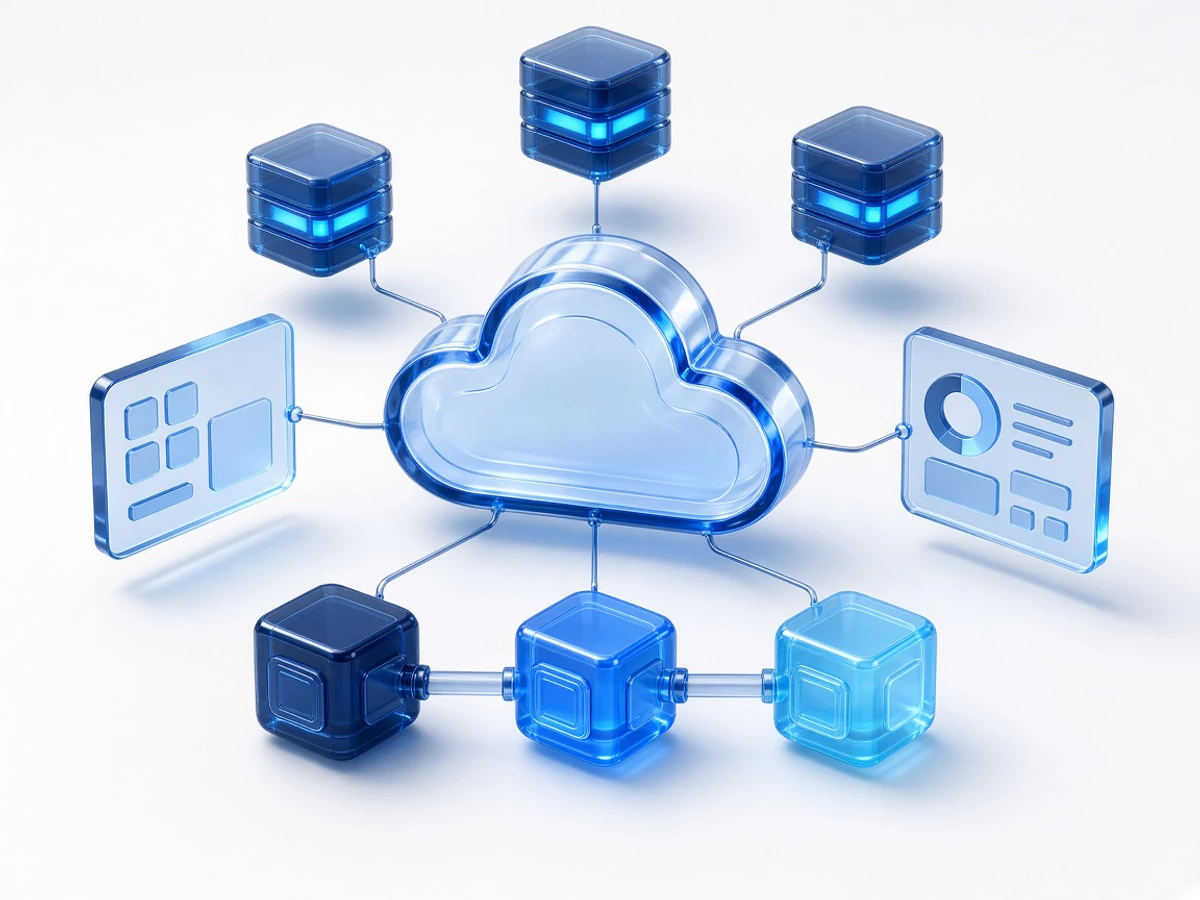
Many products reach launch with hosting set up by hand, deployments that depend on one person, and no clear view of what fails or what it costs. We set up cloud infrastructure on AWS or GCP, automate testing and deployment, and add logging and alerts so problems are found before customers report them.
The same team maintains design systems (shared components, colours and type) so the product stays consistent as new screens are added. Because we build apps as well, infrastructure and interface decisions are made with the code in view.
Problems this service solves
Manual, risky deployments
Releases depend on one person running commands by hand, and a bad release is hard to roll back.
No visibility when something breaks
Customers find the errors first, and the logs are missing or hard to read.
Cloud bills that keep growing
Unused environments, oversized servers and forgotten services add cost every month.
An interface that drifts
Each new screen looks slightly different because there is no shared component library or set of design rules.
How we solve them
Documented, repeatable environments
Settings, secrets and environments are written down and set up the same way each time, so staging behaves like production.
Automated CI/CD
Every change is tested and deployed by a pipeline, with a clear way to roll back.
Monitoring with a runbook
Health checks, logs and alerts for the failures that matter, and short written steps for handling each one.
Cost review on real traffic
Servers are right-sized and unused resources removed once you know how the app is actually used.
What's included
Cloud architecture on AWS and GCP
Hosting, databases, storage, networking and environments sized for your traffic.
CI/CD pipelines
Automated tests, builds and deployments for web apps, APIs and background jobs.
Monitoring and incident response
Health checks, logging, uptime alerts and a runbook for common failures.
Security reviews and compliance readiness
Access control, secrets handling, backups and the documentation that reviews ask for.
Cloud cost reviews
A comparison of what you pay for with what you use, and the changes that cut waste.
Design systems and product UI/UX
Component libraries, design tokens and interface design for web and mobile products.
Technologies we use
- Cloud
- AWS
- GCP
- Delivery
- CI/CD pipelines
- Health checks
- Logging & alerts
- App stack
- Node.js
- Next.js
- PostgreSQL
- MongoDB
- Cloudinary
- Design
- Design tokens
- Component libraries
How a cloud or DevOps engagement runs
Review
We look at your current hosting, deployments, monitoring and monthly bill.
Plan
A prioritised list of changes, starting with the ones that reduce the most risk.
Set up
Pipelines, environments, monitoring and alerts, introduced step by step alongside your normal releases.
Hand over
Documentation and a walkthrough for your team, with optional ongoing support.
Scope varies a lot from one setup to the next, so the timeline is agreed after the review. Monitoring and support are available on a monthly retainer.
What you get
Safer releases
Automated tests and deployments make releases routine and reversible.
Problems found early
Alerts reach the team before customers notice.
A clearer cloud bill
You pay for what the app uses, not for what was set up just in case.
A consistent interface
New screens are assembled from tested components, which saves design and build time.
Practical examples
How we usually approach three common situations.
From manual deploys to a pipeline
An app that is deployed by copying files to a server moves to a pipeline that tests every change, deploys to staging, and promotes to production with a rollback option.
Cost clean-up after launch
Costs come down when unused environments and oversized instances go away, once the app has real traffic to size them against.
A design system for a growing product
When several people have built screens in different ways, we extract shared components and rules so the next feature needs less design time.
Products this work supports
Infrastructure is mostly invisible, so these case studies show the products our team built and ships.
Questions about cloud, DevOps and design systems
Something else? Ask us directly; we reply within one business day.
Yes. We start by reviewing what is running, what it costs and how it is deployed, and document it before making changes.
Start by measuring. Unused environments, oversized servers and forgotten storage are the usual causes. We recommend changes once the app has real traffic data, so savings don't cost you reliability.
Yes, on a monthly retainer covering monitoring, fixes, updates and performance work.
It is a shared set of components, colours, type and rules for building screens. If several people design or build your product, or you plan many new screens, it saves time and keeps the interface consistent. A small marketing site usually doesn't need one.
Your company. We recommend the accounts are in your name, with our team given the access it needs, so you keep control and billing if the engagement ends.
Services that work alongside this one
Read before you start a project

Let's talk
Want safer releases and a clearer cloud bill?
Tell us where the app is hosted and what is causing trouble. We reply within one business day with what we would review first.
Book a Consultation